

What is the Cornell method?
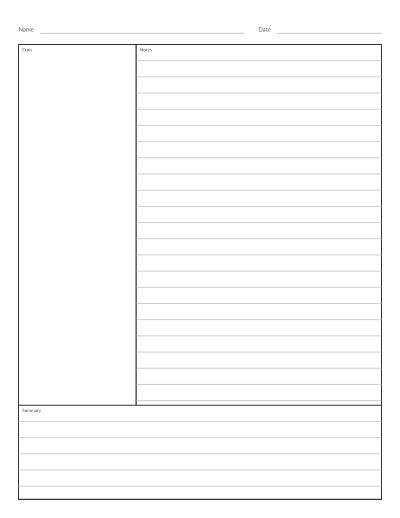
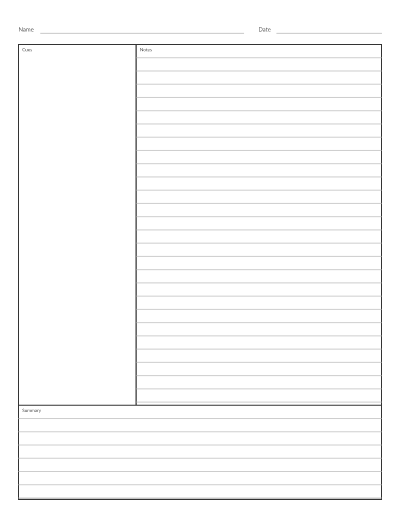
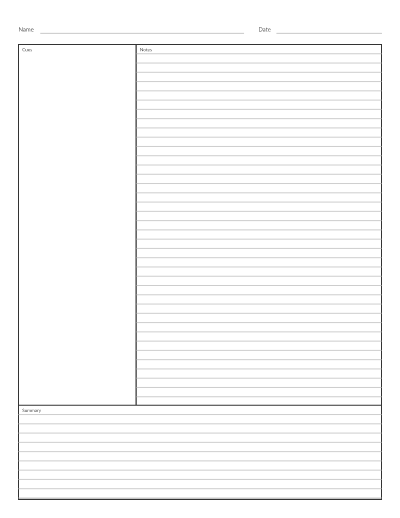
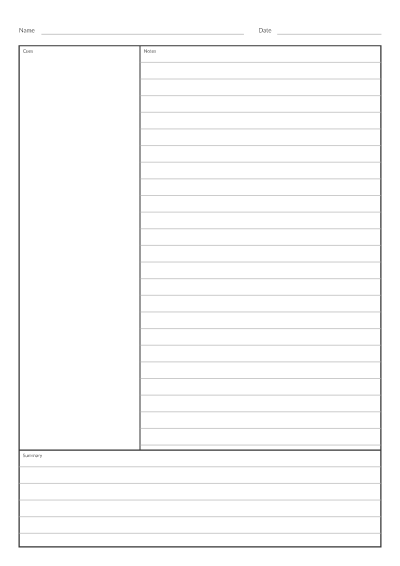
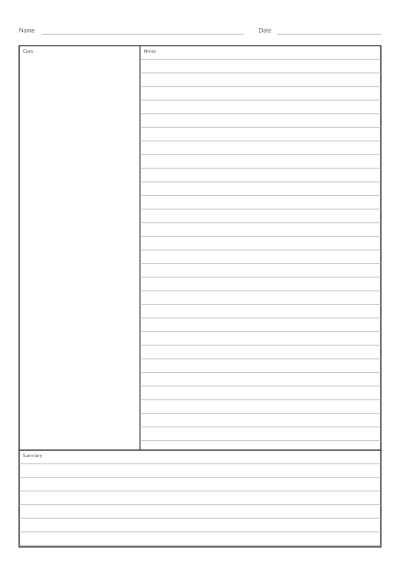
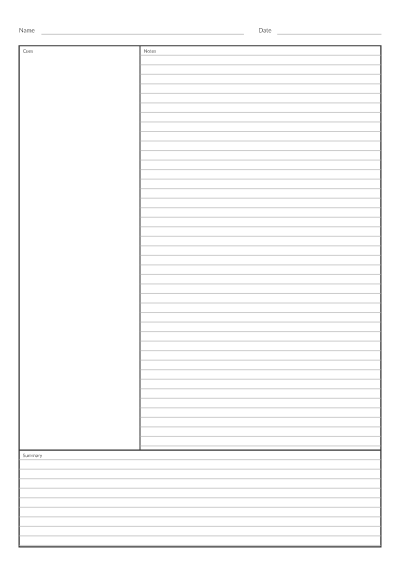
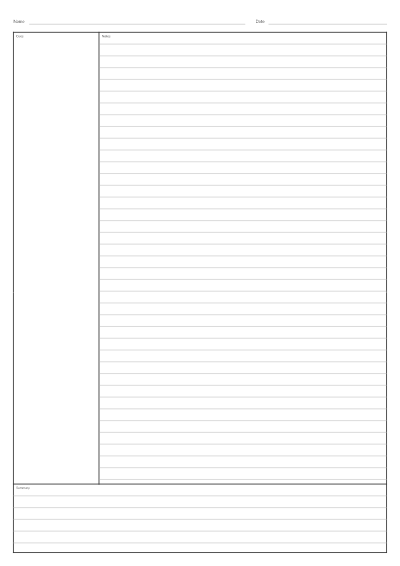
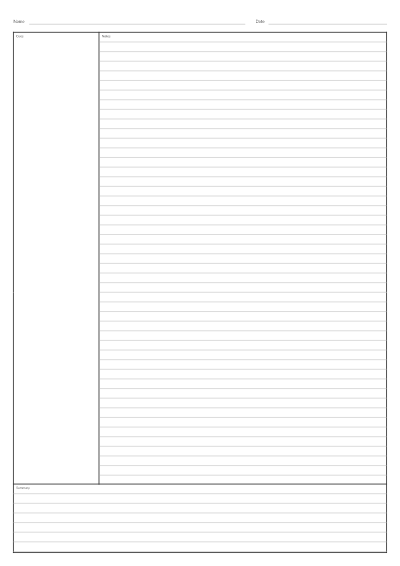
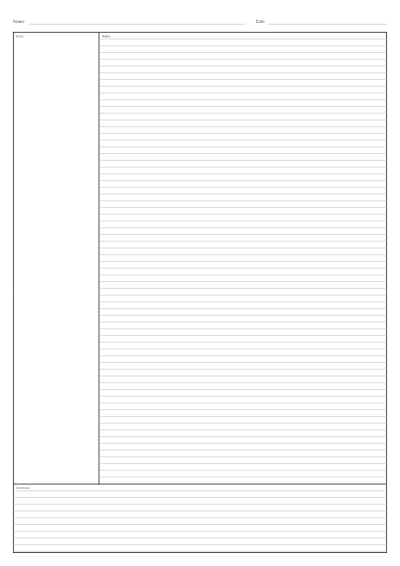
The Cornell note-taking system divides a page into three areas, each with one job:
- Notes (the wide right-hand column): write your notes here during the lecture or while reading.
- Cues (the narrow left-hand column): after class, add keywords and questions that the notes answer.
- Summary (the box across the bottom): write two or three sentences that sum up the page in your own words.
On a Letter sheet the classic proportions are a cue column about 2.5 inches wide and a summary box about 2 inches tall. The Standard settings above use exactly those sizes, and you can make either area narrower or larger.
How to use the cue column and the summary
Take notes as usual in the right column, leaving a blank line between topics. Once class is over, read the notes and pull out the main ideas as short cues or questions on the left, such as “Why did the treaty fail?” To revise, cover the notes with a sheet of paper, read each cue and try to answer it aloud, then check. The summary comes last and forces you to say what the page was about, and it shows whether you understood the page before you review for a test.
Ruled, grid or blank note area?
- Ruled suits most lectures. Choose Wide or College ruling to match your usual notebook; see lined paper for the difference.
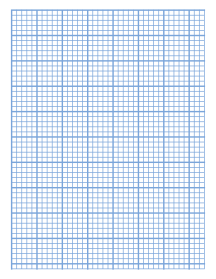
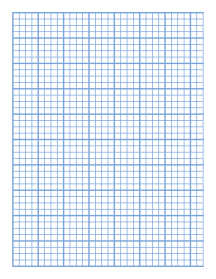
- Grid works for maths and science, where you mix writing with small diagrams and graphs. Pick 5 mm to match 5 mm graph paper.
- Blank leaves room for mind maps, sketches and handwriting of any size.
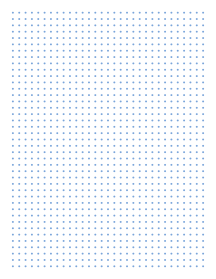
The cue column always stays clear so your questions are easy to spot. Want dots instead of lines? Try dot grid paper.
Printing for a binder
For three-ring binders, open More options and set Wide margins to move the frame away from the edge of the sheet. Print at 100% or Actual size, never “Fit to page”, so the columns keep their true widths. Browser-by-browser steps are in the print at actual size guide. Need a class set? Raise Pages in PDF and tick Name and date line to print a header on each sheet.
Cornell notes template for Google Docs or Word
This page makes a printable template, not an editable document. Download the PDF to print it, or use the PNG or SVG link under the download buttons to place the template as a picture in Google Docs, Word or a notes app. PDF annotation apps on a tablet can write on the downloaded PDF directly.
Frequently asked questions
Is there a Cornell notes template in Google Docs?
This site does not provide an editable Google Docs file. You can download the template as a PNG and insert it into a document, or print the PDF and write by hand.
How wide should the cue column be?
About one third of the page works well. The standard 2.5 inch column leaves room for short keywords and a question or two. Choose Narrow if you want more room for notes, or Wide if you write long questions.
Do I fill in the summary during or after class?
After. Take notes during class, add cues soon afterwards while the material is fresh, and write the summary last, when you can judge what mattered most.
Can I use Cornell paper for any subject?
Yes. The method is not tied to one subject. Use the grid option for maths and science, ruled lines for history or literature, and blank for subjects with lots of diagrams.