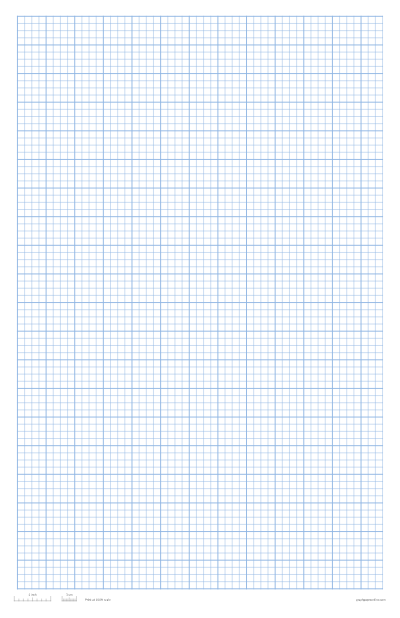
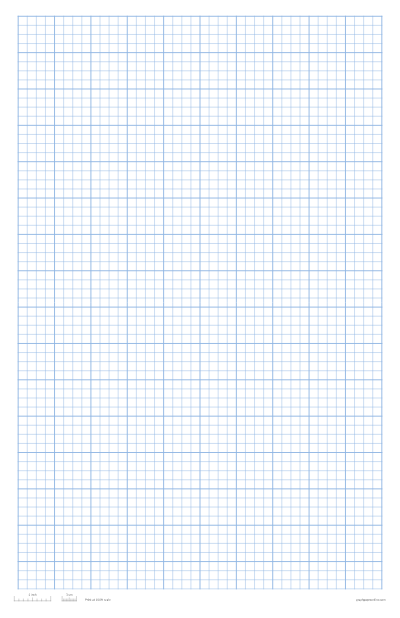
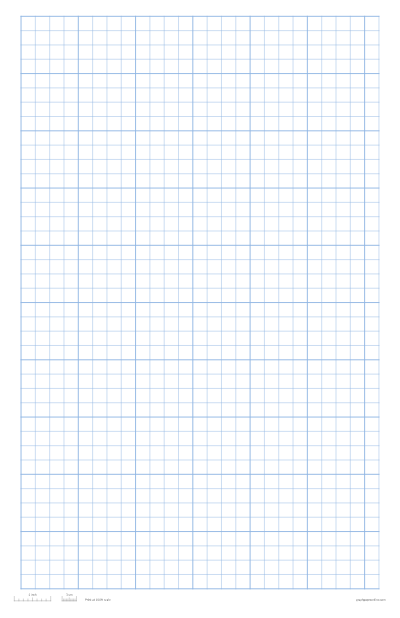
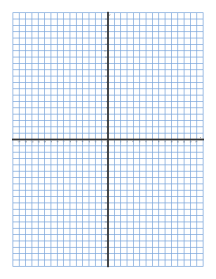
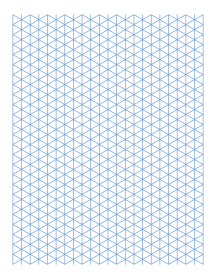
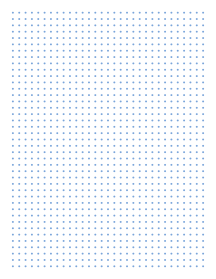
Download a graph paper PDF in three steps
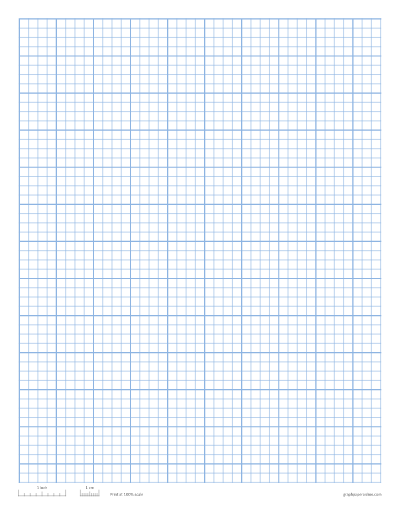
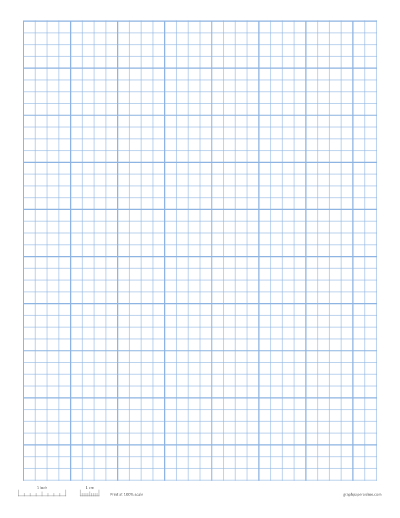
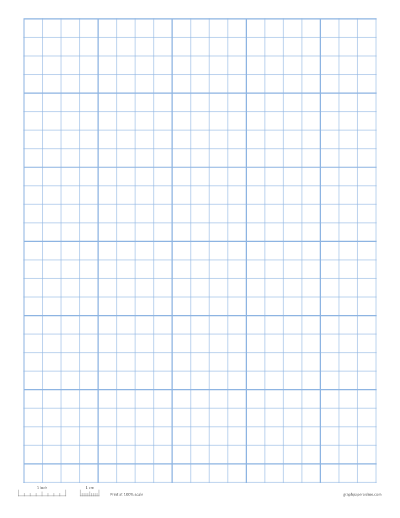
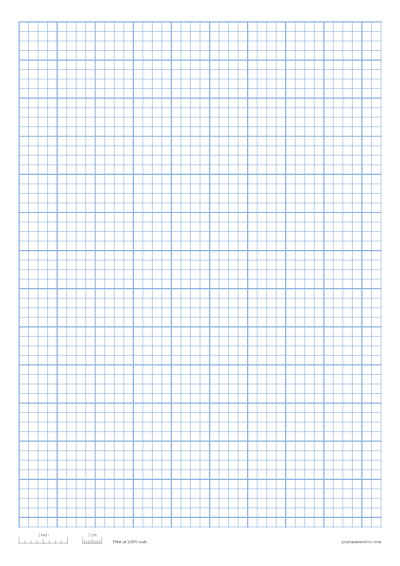
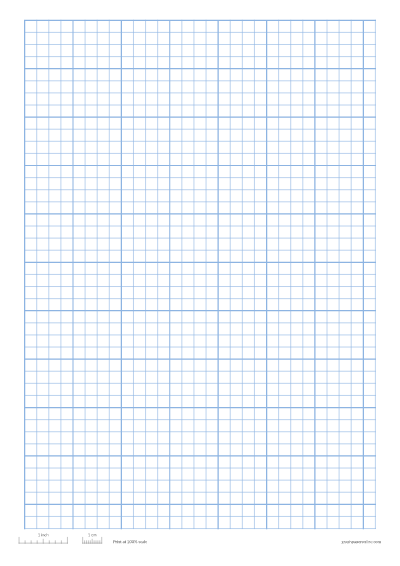
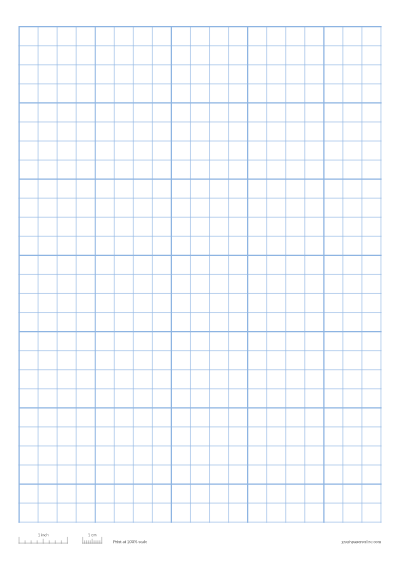
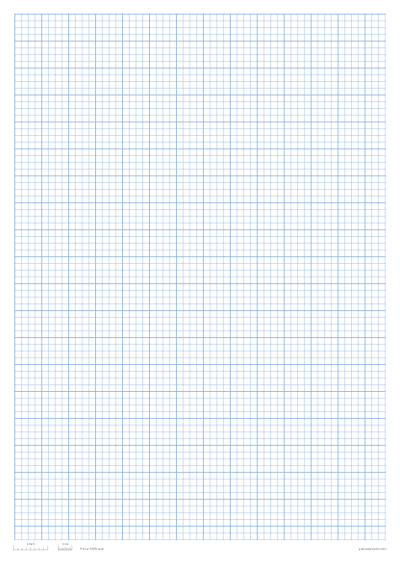
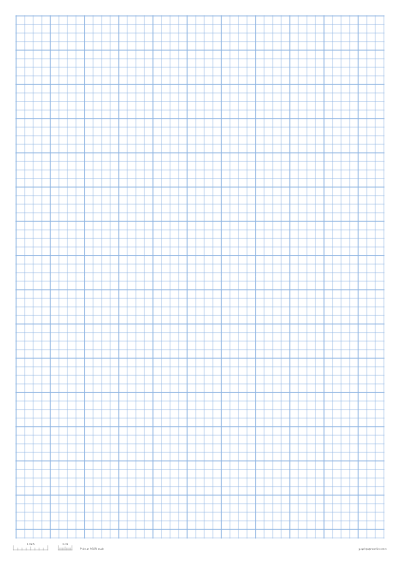
- Choose the squares. Pick ¼ inch, 5 mm, 1 cm, ½ inch or 1 inch above, or type any size under More options.
- Choose the paper. Letter, A4, A5, A3, Legal or Tabloid, portrait or landscape. Change the line colour, add a darker line every few squares, or tick Name and date line if the sheet is for students.
- Press Download PDF. The file is made in your browser and saved to your device. Nothing is uploaded, and there is no account and no watermark.
If you would rather print straight away, press Print instead. The page the PDF contains is identical to what you see in the preview.
Which graph paper PDF do you need?
Each size has its own page with advice for that grid. All of them download the same way.
| Grid | Best for | Page |
|---|---|---|
| ¼ inch (4 squares per inch) | US school maths, plotting, scale drawings | 1/4 inch graph paper |
| 5 mm | Notes, small sketches, A4 notebooks | 5mm graph paper |
| 1 cm | Younger students, area and perimeter | 1 cm graph paper |
| 1 inch | Early years, big diagrams, wall displays | 1 inch graph paper |
| A4 sheet in any grid | Anywhere outside the US | A4 graph paper |
| Numbered x and y axes | Plotting equations | Coordinate plane graph paper |
| 30° triangle grid | 3D drawing | Isometric graph paper |
| Dots instead of lines | Journals and lettering | Dot grid paper |
Not sure which to pick? ¼ inch on Letter or 5 mm on A4 matches most school graph paper. How to use graph paper explains the choice.
One PDF for a whole class
Under More options, raise Pages in PDF to the number of sheets you want, up to 50. You get a single file with that many identical pages, so you can print a class set in one go or keep a pad of blank sheets to print when needed. Turn on the name and date line first and every page gets one.
PDF, PNG or SVG?
- PDF is the best choice for printing: it has the exact page size you picked, and the lines are drawn as sharp vector lines at any zoom.
- PNG is a picture, handy for dropping into a document, slide or note-taking app.
- SVG is a vector image you can edit in design software or place in Canva.
All three are on the page, and all three come from the same drawing, so they match.
Printing the PDF at the right size
The squares are drawn in real millimetres and inches, but your PDF viewer can still shrink the page when you print. In Adobe Acrobat, choose Actual size under Page Sizing & Handling. In macOS Preview, set Scale to 100%. Never use Fit or Shrink oversized pages. Then check the 1 inch and 1 cm marks of the ruler at the bottom of the sheet with a real ruler. The print at actual size guide covers each browser and viewer.
Frequently asked questions
Is the graph paper PDF free?
Yes. Download as many as you like for school, work or home. There is no watermark and no sign-up. The only text on the sheet is the small size check ruler at the bottom, which you can switch off with Size check ruler.
Can I print the PDF on A4?
Yes. Switch Paper to A4 before you download. The squares stay the same size; only the number that fits on the page changes.
How do I get a PDF with several pages?
Set Pages in PDF under More options. You can have up to 50 identical pages in one file.
Can I edit the PDF?
The PDF is meant for printing. If you want to draw on a graph paper background in a design tool, download the SVG or PNG instead.